Profit Allocation Calculator
Most owners pay everyone but themselves and scramble at tax time. Flip it: take profit and your pay first, then run the business on what's left. This splits every dollar into Profit, Owner's Pay, Tax, and Operating Expenses — based on the Profit First method's targets by business size.
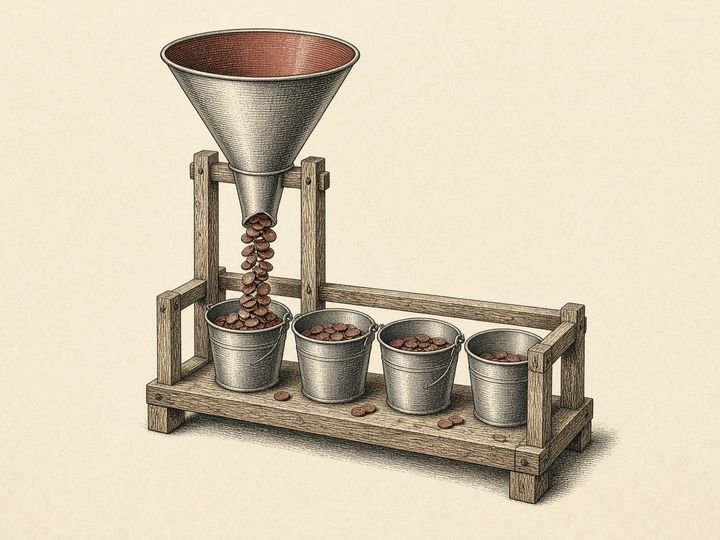 Catalog No. 106 · Profit Bucket Splitter
Your numbers (per month)
Target allocation %
Per year
How to actually use this
Open separate bank accounts — at minimum one each for Profit, Owner's Pay, Tax, and Operating. Some banks let you open them free in minutes.
Allocate on a rhythm — twice a month (say the 10th and 25th), move the percentages above out of your income account into each bucket. Run the business only from Operating.
Take profit on purpose — every quarter, distribute most of the Profit account to yourself as a reward. It enforces real profitability instead of hoping for leftovers.
Targets are based on the Profit First method by Mike Michalowicz. This free tool isn't affiliated with or endorsed by the author — it just does the math. Tax % is a planning estimate; confirm with your accountant.
How it works
Splits your monthly real revenue into Profit, Owner's Pay, Tax and Operating Expenses using percentages you choose, with preset targets by business size.
- Real revenue = Total revenue minus Materials / subs / COGS, never below zero. This is the monthly amount that gets split.
- Each bucket = real revenue × its percentage. The per-year figures are the monthly amounts × 12. The four boxes are Profit, Owner's Pay, Tax and Operating Exp.
- Presets fill Profit / Owner's Pay / Tax / Operating: under $250k is 5/50/15/30, $250k to 500k is 10/35/15/40, $500k to 1M is 15/20/15/50, and $1M to 5M is 10/10/15/65.
- The suggested band comes from real revenue × 12: under $250k, $500k, $1M or $5M. At $5M or more it shows the $1M to 5M targets. It is a suggestion; your boxes set the split.
- If your four percentages do not total 100, the page warns you but still uses them as typed, so the buckets will not add up to real revenue. Tax % is a planning estimate.
Questions
- Why subtract materials and subs first?
- The page treats materials, subcontractors and merchant fees as pass-through costs. What remains is real revenue, the money the business keeps to allocate. Enter those costs in the Materials / subs / COGS box.
- Which preset should I use?
- The page picks a band from your real revenue times 12 and shows its suggested split. You can also type your own four percentages. Press a preset button to fill the boxes, then adjust.
- Is the Tax bucket what I will owe?
- No. It is a set-aside percentage you choose, a planning estimate. Confirm the real number with your accountant.
More free tools
Same deal: free, no signup, and it runs in your browser.